


















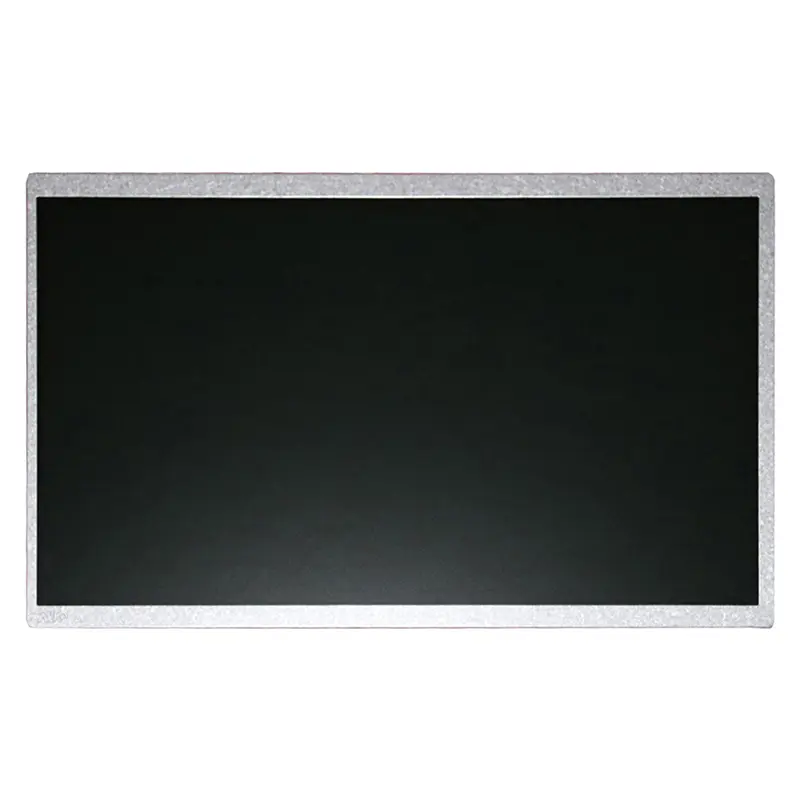
In the intricate world of electronic design and integration, the display module often serves as the critical interface between a device and its user. Among the myriad of options available to engineers and product developers, the G101EAN02.4 stands out as a specific and powerful solution. This 10.1-inch TFT LCD panel, manufactured by AUO (AU Optronics), represents a carefully engineered balance of performance, reliability, and visual fidelity. It is not merely a generic screen but a key component designed to meet the rigorous demands of industrial, commercial, and embedded applications.
This article delves into a comprehensive analysis of the G101EAN02.4 display. We will move beyond basic datasheet specifications to explore its defining technological characteristics, the competitive advantages it offers within its class, and the practical considerations for its successful integration. Our journey will cover its core features, ideal application landscapes, and the crucial steps needed to bring a project from concept to a functional, visually compelling reality using this precise display module.

Decoding the G101EAN02.4: Core Specifications and Technology
The AUO G101EAN02.4 is a 10.1-inch diagonal TFT-LCD module with a native resolution of 1280 (RGB) x 800 pixels, commonly referred to as WXGA. This aspect ratio and resolution provide a spacious, widescreen canvas suitable for data-intensive interfaces. It utilizes an IPS (In-Plane Switching) panel technology, which is a significant differentiator. IPS technology is renowned for delivering superior viewing angles—often up to 85/85/85/85 degrees (Left/Right/Up/Down)—without significant color shift or contrast degradation, a critical feature for applications where the screen may be viewed from off-center positions.
Furthermore, the module typically offers a high brightness level (often around 500 nits or more) and a standard contrast ratio, ensuring readability in various lighting conditions. It features an LVDS (Low-Voltage Differential Signaling) interface, which is the industry-standard, robust protocol for transmitting high-speed video data from a controller board to the display with minimal electromagnetic interference. Understanding these foundational specs—IPS, WXGA, LVDS—is the first step in appreciating its targeted application potential.
Competitive Advantages in the 10.1-Inch Display Segment
In a market filled with alternatives, the G101EAN02.4 carves its niche through a combination of performance and reliability traits stemming from its AUO heritage. The IPS technology is its foremost advantage, offering consistent color and clarity across wide angles compared to cheaper TN (Twisted Nematic) panels. This makes it ideal for medical devices, point-of-sale systems, or industrial HMIs where multiple operators may view the screen from different positions.
Secondly, AUO's manufacturing consistency ensures high-grade reliability and longevity, which is paramount for products designed for 24/7 operation or harsh environments. The use of a standard LVDS interface provides another layer of advantage: easier integration and a broad ecosystem of compatible controller boards and drivers. While cost-sensitive projects might opt for other panels, the G101EAN02.4 appeals to developers for whom visual performance, durability, and stable supply chains are non-negotiable value propositions.
Ideal Application Landscapes and Use Cases
The technical profile of the G101EAN02.4 directly informs its ideal application domains. Its robustness and excellent viewing angles make it a prime candidate for Industrial Human-Machine Interfaces (HMIs) on factory floors, in automation control panels, and for test and measurement equipment. In the medical field, its consistent color reproduction supports diagnostic imaging peripherals and patient monitoring systems.
Beyond these, it finds a strong fit in transportation and logistics (e.g., vehicle-mounted terminals, fleet management displays), retail and hospitality (self-service kiosks, digital signage, POS systems), and embedded computing applications. Essentially, any scenario that demands a reliable, clear, and durable visual interface for professional use—where user experience and uptime are critical—is a potential home for this display module. Its size offers ample space for complex GUI elements without being overly bulky.
The Integration Blueprint: Hardware Considerations
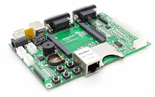
Successfully integrating the G101EAN02.4 requires careful hardware planning. The primary task is sourcing or designing a compatible LCD controller board (often called a timing controller or T-Con board adapter). This board must match the panel's LVDS interface type (single or dual-channel), voltage requirements (typically 3.3V or 5V for logic and a higher voltage for the backlight), and precise timing parameters. The backlight, usually an LED array, requires a constant-current driver circuit.
Mechanical integration is equally crucial. Designers must account for the module's exact dimensions, bezel size, and mounting hole positions. Thermal management should be considered, especially in enclosed spaces, to ensure the panel operates within its specified temperature range and maintains backlight lifespan. Furthermore, electromagnetic compatibility (EMC) shielding may be necessary to prevent interference with other sensitive electronics, a consideration where the LVDS interface's inherent noise immunity is a benefit.
Software and Driver Configuration Essentials
Once the hardware connection is established, software configuration brings the display to life. The operating system or embedded software must be equipped with the correct display driver that supports the panel's native resolution (1280x800), color depth, and refresh rate. In embedded Linux environments, this often involves configuring the Frame Buffer device or, more commonly, using a display subsystem like DRM/KMS and providing the correct Device Tree blob that defines the display timings and interface parameters.
For Android or Windows Embedded systems, appropriate display drivers from the SoC (System on Chip) vendor or third-party providers are needed. Calibration may also be a step to ensure color accuracy matches application requirements, particularly for medical or design-focused uses. Proper software setup ensures the display operates at its optimal performance, without artifacts, flickering, or incorrect scaling.
Sourcing, Supply Chain, and Alternative Considerations
Procuring the G101EAN02.4 requires engagement with authorized distributors or specialized display module suppliers. Given its industrial nature, verifying authenticity and revision levels is critical, as minor changes can impact compatibility. Developers must also consider the long-term availability (LTA) of the module for product lifecycle planning, a factor where established manufacturers like AUO generally provide more stability.
It is also prudent to evaluate alternative panels as part of the design process. Other 10.1-inch IPS panels from manufacturers like Innolux, BOE, or LG Display may offer similar specifications, potentially at different price points or with slight variations in brightness, power consumption, or mechanical outline. A thorough comparative analysis based on the specific project's cost, performance, and supply chain risk tolerance is a responsible step in the component selection phase.
FAQs: G101EAN02.4 10.1" TFT Display
1. What is the resolution of the G101EAN02.4 display?It has a WXGA resolution of 1280 (RGB) x 800 pixels.
2. What panel technology does it use?It utilizes IPS (In-Plane Switching) technology for wide viewing angles.
3. What is the primary interface for this display?It uses an LVDS (Low-Voltage Differential Signaling) interface.
4. What are typical applications for this module?Industrial HMIs, medical devices, point-of-sale systems, transportation terminals, and kiosks.
5. Why choose an IPS panel over a TN panel?IPS offers far superior viewing angles and better color consistency, crucial for shared or off-axis viewing.
6. What do I need to connect this display to my system?You need a compatible LCD controller board that matches its LVDS signaling, voltage, and timing.
7. Is this display suitable for outdoor use?While bright (~500 nits), it is not inherently sunlight-readable. Outdoor use requires high-brightness versions and proper environmental sealing.
8. Can I touch-enable this display?Yes, by adding a separate touch overlay (resistive or projected capacitive) and its controller, mounted to the front of the module.
9. How do I find drivers for this display?Drivers are typically configured at the OS/kernel level using the display's timing parameters, not a specific "G101EAN02.4 driver."
10. Where can I buy the G101EAN02.4?Through authorized electronic component distributors or specialized display module suppliers.
Conclusion
The AUO G101EAN02.4 10.1-inch TFT display is far more than a simple screen; it is a engineered component tailored for professional and industrial applications where visual performance and reliability are paramount. Its combination of IPS technology, WXGA resolution, and standard LVDS interface creates a versatile foundation for a wide array of devices, from factory control panels to medical monitors.
Successful implementation hinges on a holistic approach, encompassing a deep understanding of its specifications, careful hardware integration with compatible controllers, precise software configuration, and strategic sourcing. For developers and engineers aiming to build robust, user-centric devices, the G101EAN02.4 represents a credible and high-performance choice that can significantly enhance the end-user experience and product longevity.





